homepage

What is homepage?
A modern, fully static, fast, secure fully proxied, highly customizable application dashboard with integrations for over 100 services and translations into multiple languages. Easily configured via YAML files or through docker label discovery.{: .is-info }1
How to install
This will require docker and docker compose-v2, then to be running linux or mac. This will also work easiest if you have a code server installed on the system you want to use. If on a remote server, removes the need to ssh into it.
If on your local machine, open your terminal. If you host this on a remote server, open your terminal and ssh into it.
My setup from home is /home/user/docker/service. So from home:
1
2
3
4
cd docker
sudo mkdir homepage
cd homepage
sudo touch compose.yml .env
Now you if you use ls -a, you should see two files.
To modify the compose file:
1
sudo nano compose.yml
copy the compose file below:
1
2
3
4
5
6
7
8
9
10
11
12
13
14
15
16
17
18
19
version: "3.9"
services:
  homepage:
    image: ghcr.io/gethomepage/homepage:latest
    container_name: homepage
    ports:
      - 3000:3000
    env_file: .env # use .env
    volumes:
      - /home/aaron/docker/homepage:/app/config # Make sure your local config
      - directory exists
      - /var/run/docker.sock:/var/run/docker.sock # (optional) For docker integrations, see alternative methods
      - /home/aaron/docker/homepage/images:/images # For images
      - /dev/md0:/dev/md0 # For system disk
      - /mnt/media:/mnt/media # For Media disk
    environment:
      PUID: $PUID # read them from .env
      PGID: $GUID # read them from .env
    restart: unless-stopped
If you use traefik to reverse-proxy then add the labels like so:
1
2
3
4
5
6
7
8
9
10
11
12
13
14
15
16
17
18
19
20
21
22
23
24
25
26
27
28
29
30
31
32
33
34
35
36
version: "3.9"
services:
  homepage:
    image: ghcr.io/gethomepage/homepage:latest
    container_name: homepage
    ports:
      - 3000:3000
    env_file: .env # use .env
    volumes:
      - ./config:/app/config # Make sure your local config directory exists
      - /var/run/docker.sock:/var/run/docker.sock # (optional) For docker integrations, see alternative methods
      - /home/aaron/docker/homepage/images:/images # For images
      - /dev/md0:/dev/md0 # For system disk
      - /mnt/media:/mnt/media # For Media disk
    environment:
      PUID: $PUID # read them from .env
      PGID: $GUID # read them from .env
    labels:
	  - traefik.enable=true
	  - traefik.http.routers.homepage.entrypoints=http
	  - traefik.http.routers.homepage.rule=Host(`$URL`)
	  - traefik.http.middlewares.homepage-https-redirect.redirectscheme.scheme=https
	  - traefik.http.routers.homepage.middlewares=homepage-https-redirect
	  - traefik.http.routers.homepage-secure.entrypoints=https
	  - traefik.http.routers.homepage-secure.rule=Host(`$URL`)
	  - traefik.http.routers.homepage-secure.tls=true
	  - traefik.http.routers.homepage-secure.service=homepage
	  - traefik.http.services.homepage.loadbalancer.server.port=3000
	  - traefik.docker.network=proxy
	  - traefik.http.routers.homepage-secure.middlewares=authelia@docker # for authelia authentication
    restart: unless-stopped
	networks:
	  - proxy
networks:
  proxy:
    external: true
Ctrl + x, then “y”, and enter to save.
now for the .env file:
1
sudo nano .env
Copy these contents:
PUID=1000
GUID=1000
URL=     # For the URL that you want to use ie dashboard.example.com
HOMEPAGE_VAR_PLEX_URL_EXT=   # example for external service url
HOMEPAGE_VAR_PLEX_URL_INT=   # example for internal internal url
Same thing to exit as before.
To spin up the container, you should be able to:
1
sudo docker compose up -d
The container will create the necessary files. From here, to modify things they will be in separate files:
- services.yaml - for the services that you run and want to link to.
- bookmarks.yaml - to modify/add/remove bookmarks
- settings.yaml - to modify/add/remove configurations and settings
- widgets.yaml - to modify/add/remove the widgets at the top of the page (separate from the services widgets) An example for service.yaml: ```yaml
For media instances
- Media:
- Plex: icon: plex.png href: “” # format for .env file siteMonitor: “” description: Watch movies and TV shows. widget: type: plex url: “” key: “” # see https://www.plexopedia.com/plex-media-server/general/plex-token/
- Tautulli: icon: tautulli.png href: “” siteMonitor: “” description: Plex Streaming Information widget: type: tautulli url: “” key: “” ``` The format to use the .env file is in the .env file use: HOMEPAGE_VAR_PLEX_URL_EXT=http://plex.example.com first part: HOMEPAGE_VAR_ is required by app. second part: is your decision. I utilized my service and description as above. Copy the whole thing, example: HOMEPAGE_VAR_PLEX_URL_EXT. As above, in quotes and double curly brackets, paste.
==This is not required. It is preferred as it helps safeguard things like domain names and api keys if you share your setup.==
You could just as easily set the PUID in the compose file to 1000 instead of doing so in the .env file. Or you could directly link items in the service.yaml file like so:
1
2
3
href: https://plex.tv   # or
href: http://192.168.0.0:8080 # or
key: fjdkljak323efdklj
Check out their website for types of services and widgets you can use for your dashboard: Service Widgets at the very bottom, you will find widgets for the top bar part. There are very cool things you can do to change the look like adding tabs: Tabs
Photos of mine: 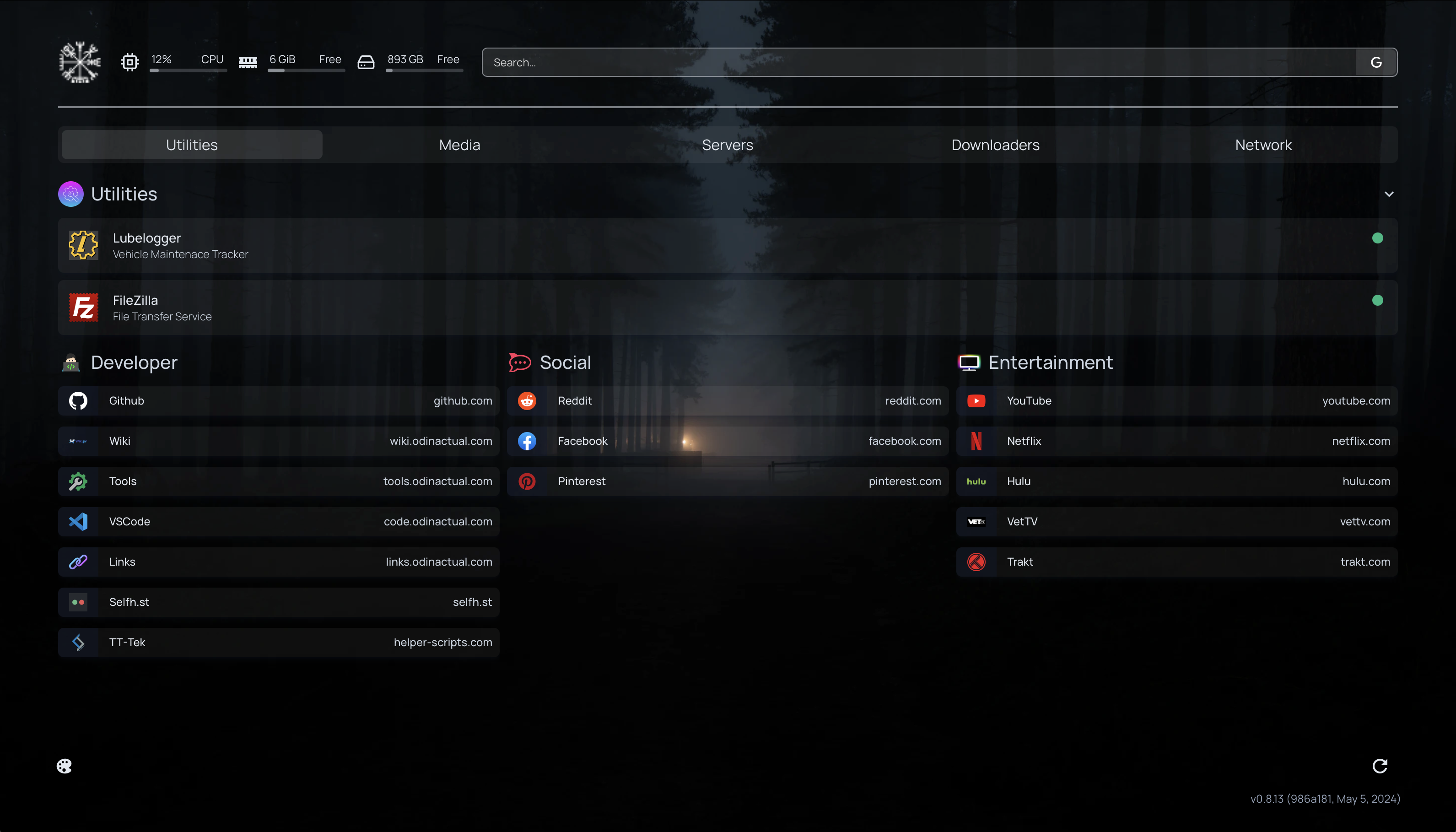
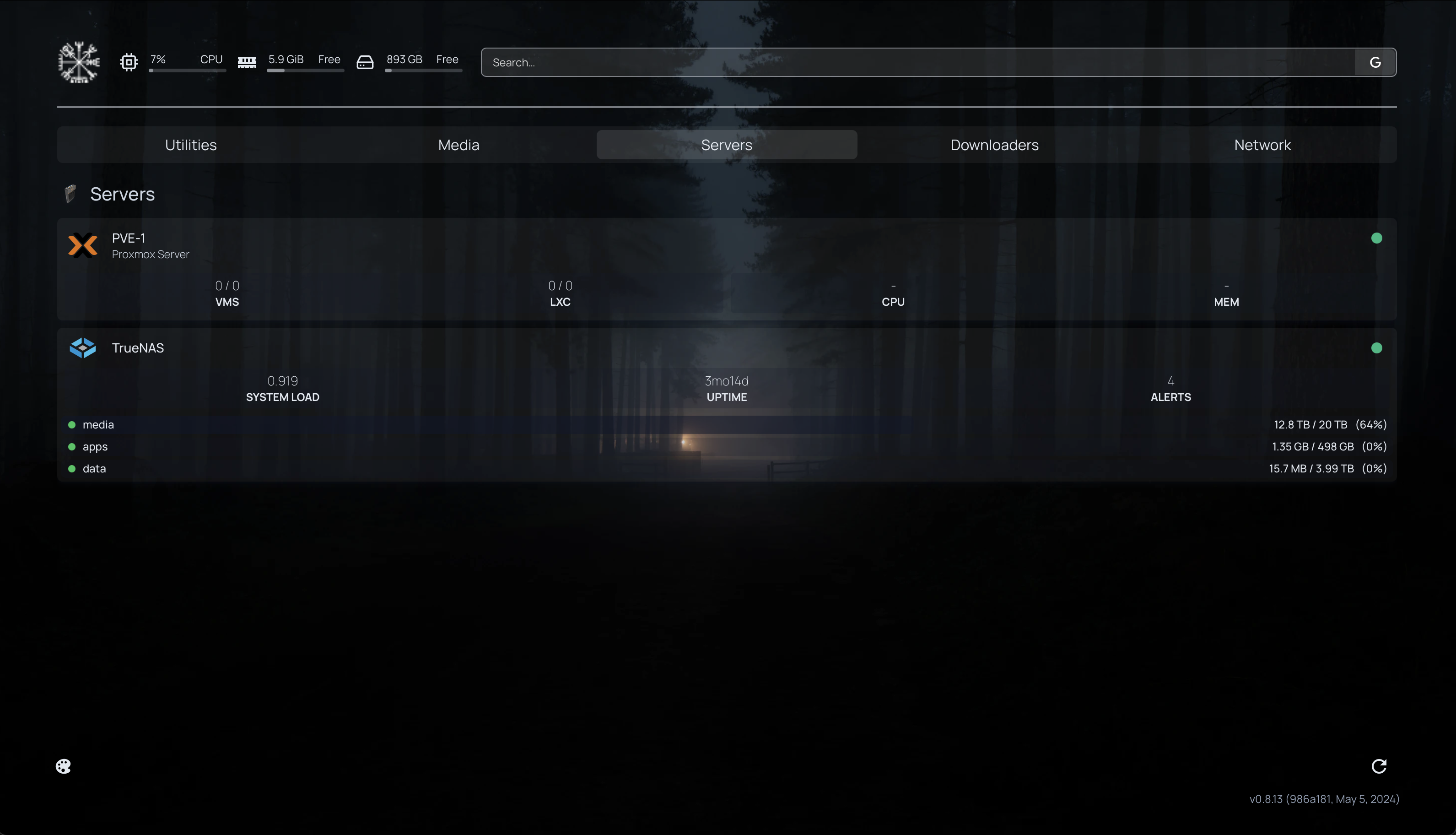
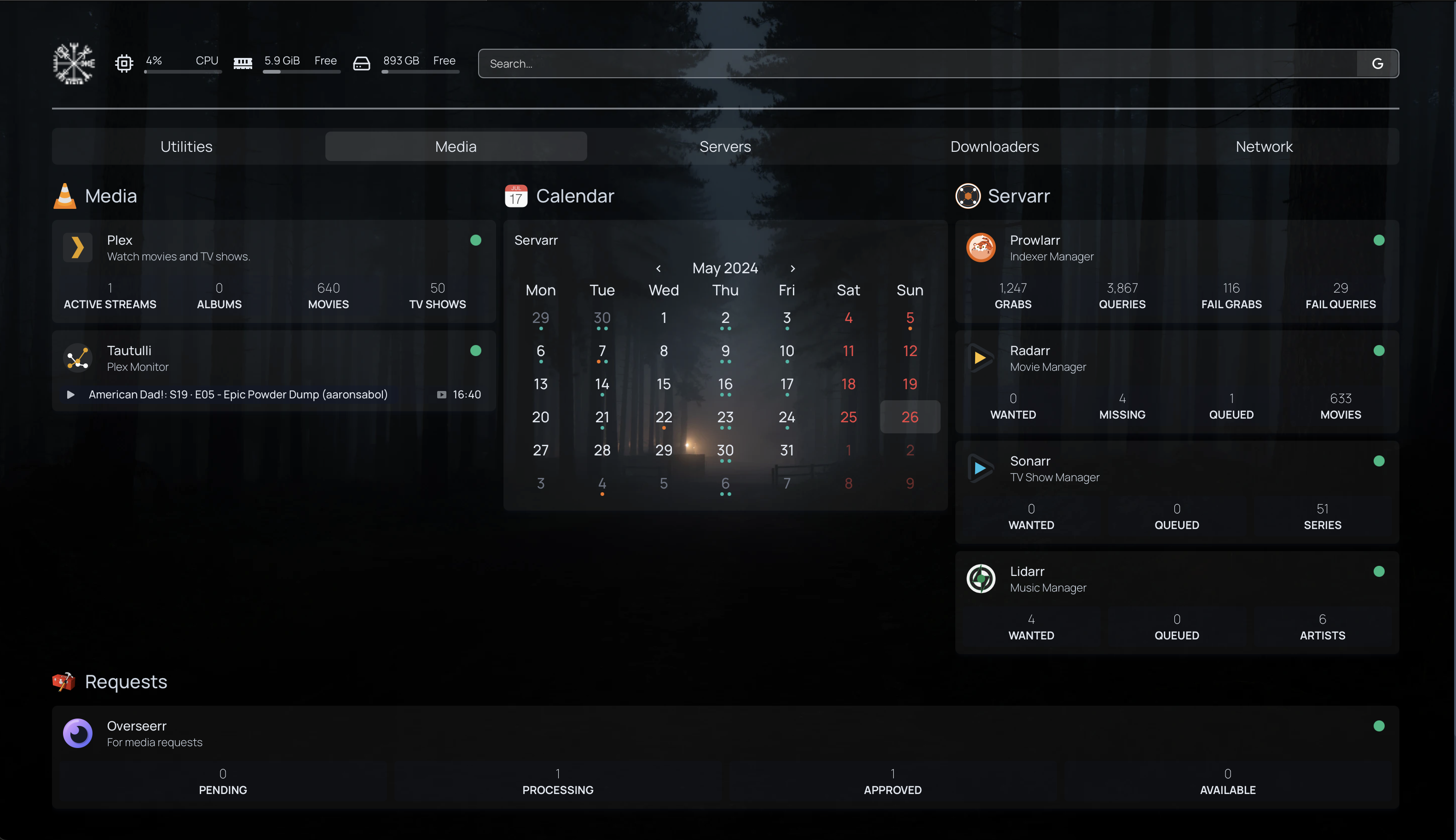
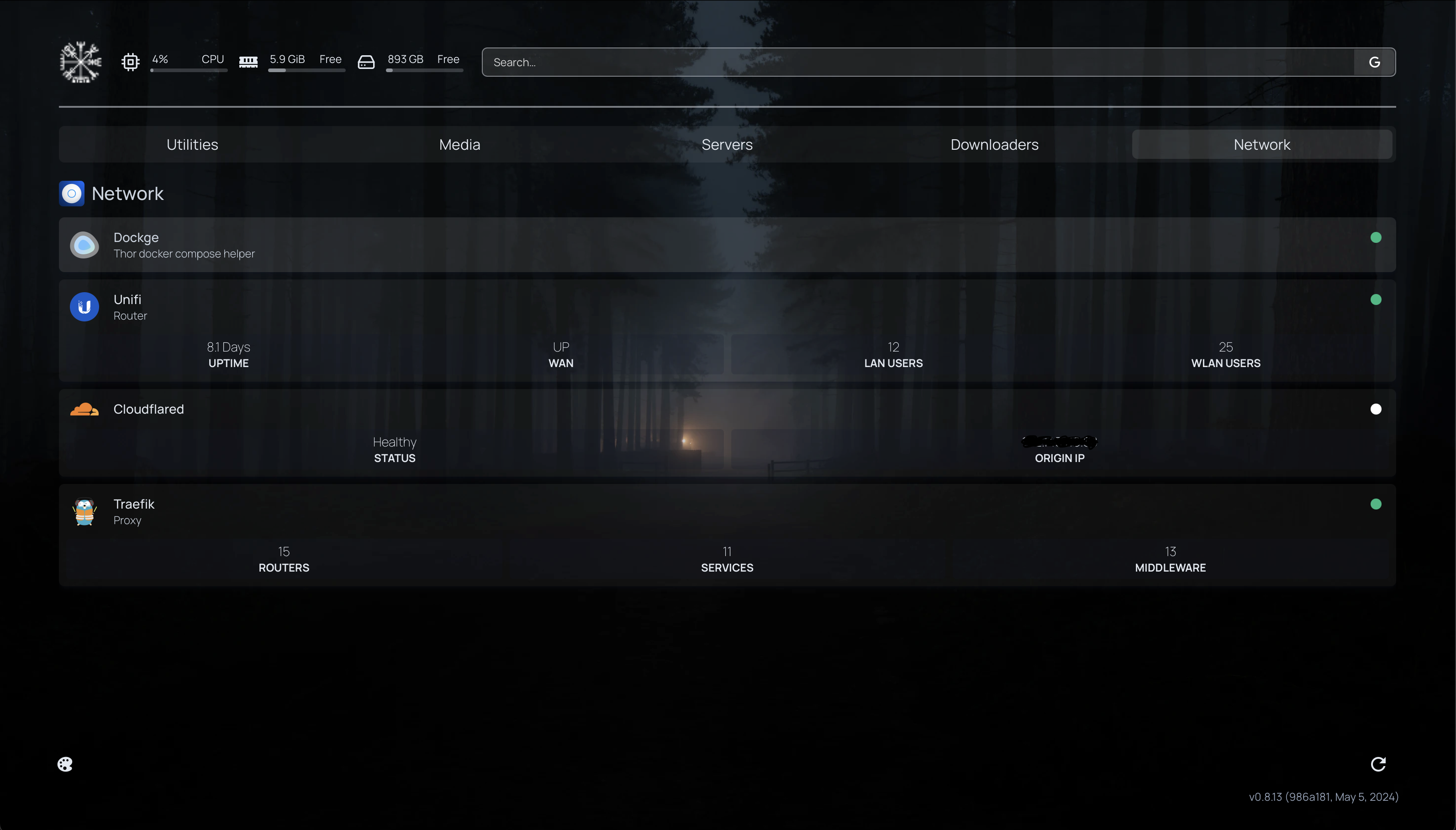
Citations
https://gethomepage.dev/latest/
HomePage ↩