Fasten Health
Intro
Who has spent time trying to keep track of their health? Who has spent time trying to also keep track of their medical records? Well I have found a solution and was curious about it. I tried it out with success, and I overall like it. I have found an issue, however, it is not with fasten health per se, it is with insurance that my employer provides.
My issue
So as I stated above, the issue I have is with the way my insurance is handled or set up by my employer. Fasten health uses the records that the insurance companies have and pulls them into the app to be viewed by a user interface. The way it’s set up with my company, I have insurance, I can login to the insurances website, but Fasten cannot pull the data as the insurance company. This is what the issue is from UHC:
FLEX was designed to be in compliance with the CMS Final rule. Eligibility errors generally occurs when the member has a UHC plan but not one that falls under the umbrella of that rule so they are not currently eligible for FLEX. If a member sees an eligibility error please confirm they have a plan that falls into one of the categories listed there and not a commercial plan.
So just be wary if you fall in that category.
Photos
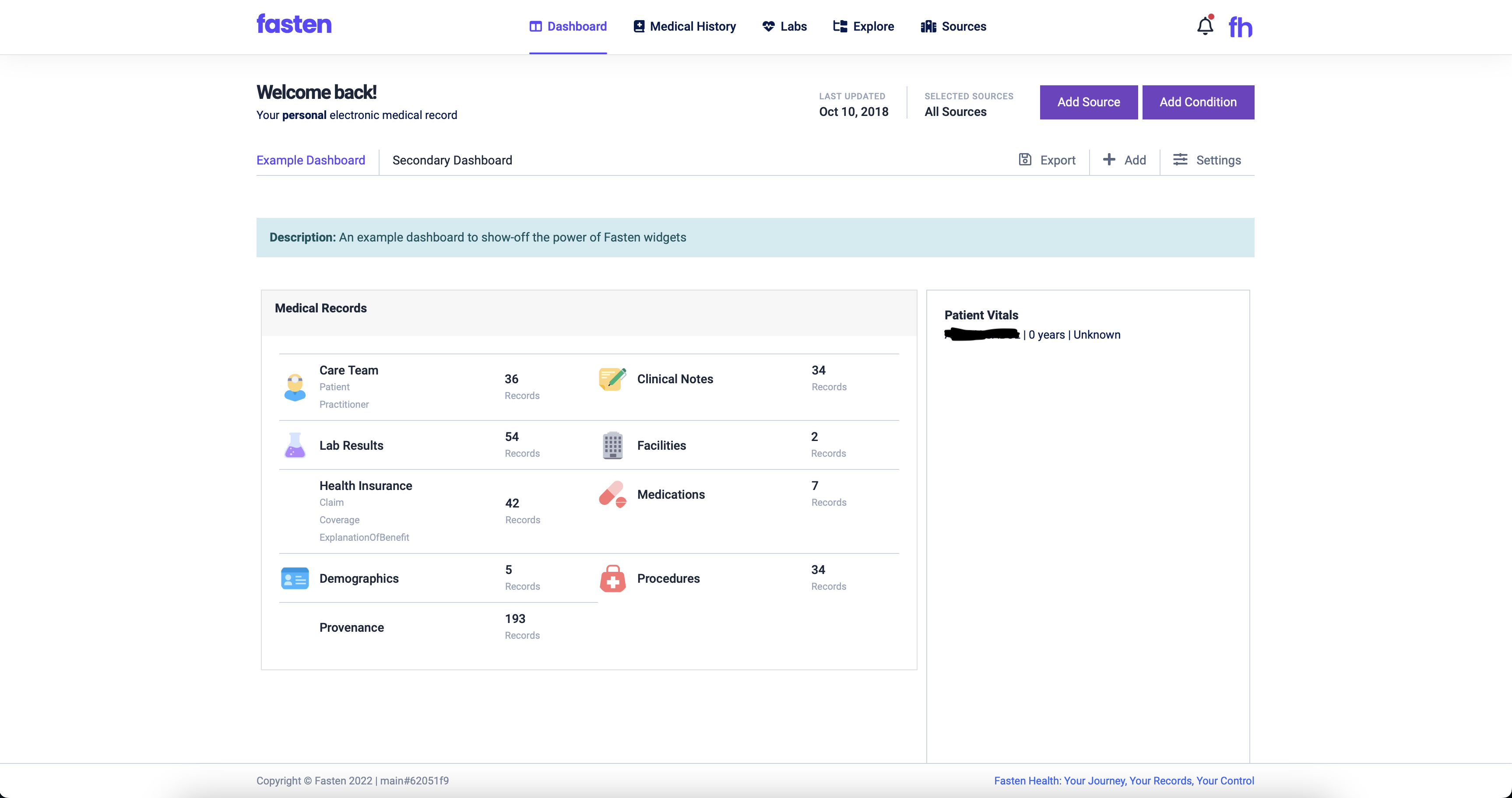
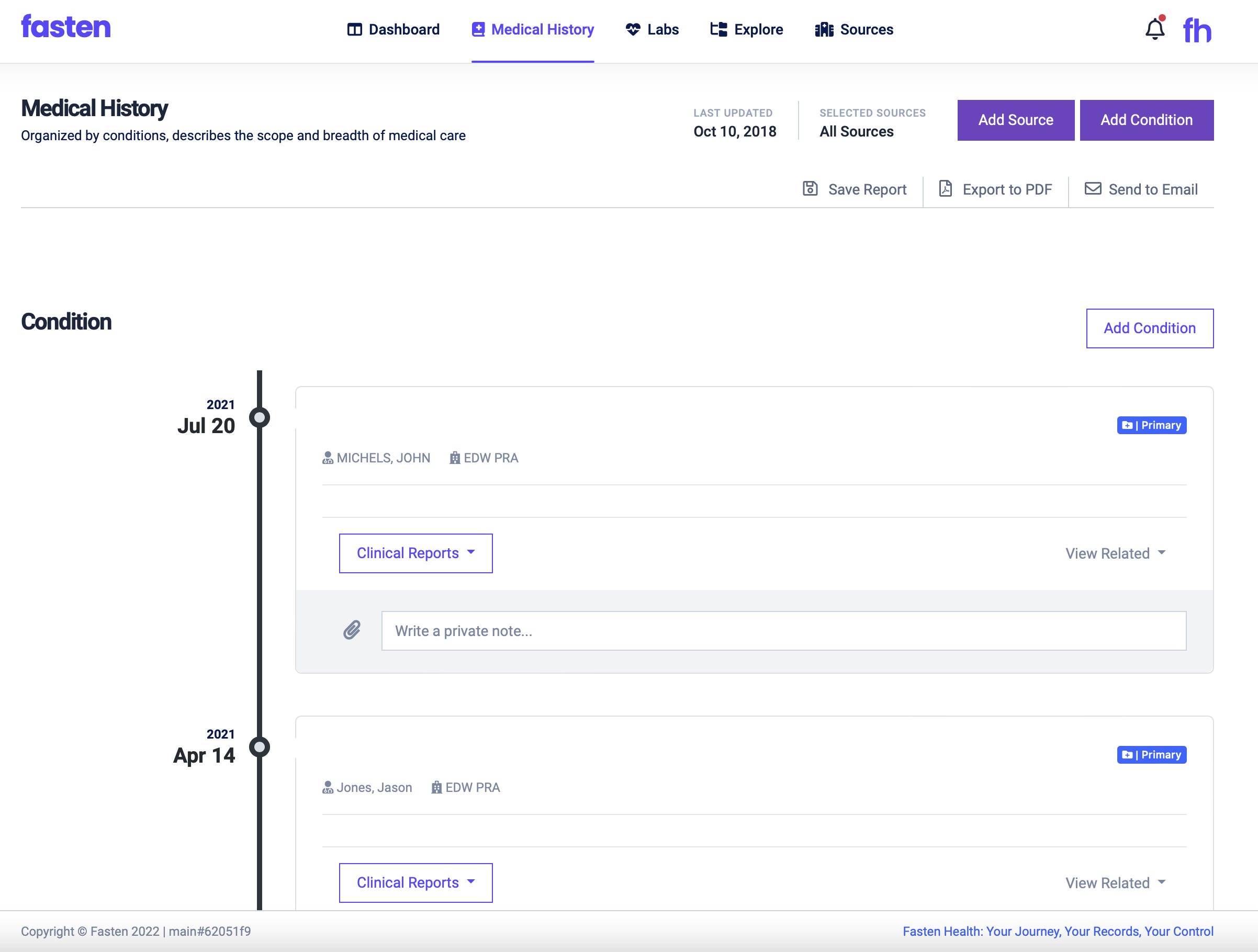
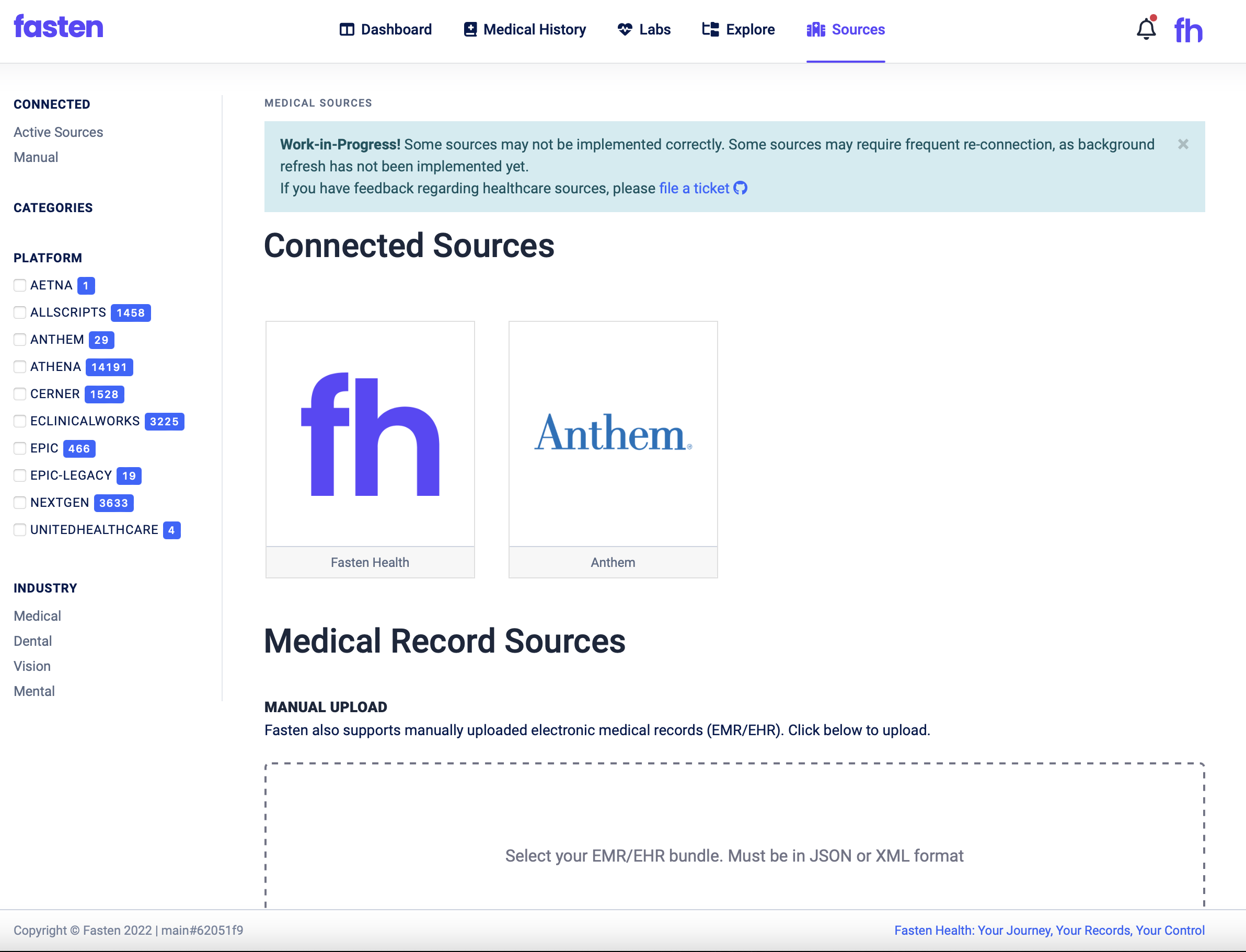
How to install
Wherever you have your docker compose files, navigate there. For me it looks like this: /home/username/docker. Then once there:
1
2
3
sudo mkdir fasten
cd fasten
sudo nano compose.yml
Note: I am assuming you are running docker compose v2. If you are not, use docker-compose.yml.
copy this:
1
2
3
4
5
6
7
8
9
10
version: "3.3"
services:
  fasten:
    container_name: fasten
    ports:
      - 9090:8080
    volumes:
      - ./db:/opt/fasten/db
      - ./cache:/opt/fasten/cache
    image: ghcr.io/fastenhealth/fasten-onprem:main
Now exit out of nano.
You should still be in your docker folder where you created the compose.yml file. Now it’s time to run it.
1
2
3

sudo docker compose up -d
Note: I am assuming you are running docker compose v2. If you are not, use docker-compose.yml.
From here, if you installed this on the computer you are using, you should be able to go to http://localhost:9090 or if it was installed on another computer, http://ip-of-computer:9090.
Fasten Health: Main: https://www.fastenhealth.com Github: https://github.com/fastenhealth/fasten-onprem