LubeLogger

LubeLogger
Lubelogger is a self hosted app for anyone who owns a vehicle, from the average person to the weekend racer. It helps manage your maintenance, repairs, or upgrades and keeps track of the records. It can also keep track of expenses associated with your vehicles. It supports tracking your fuel economy as well as taxes and registration. Let’s just say, it’s a handy tool for anyone that spin up a docker image.
From their website, it is available as a docker image and a Windows standalone executable. If you want to install via windows, check out their documentation below. I went with docker.
Photos
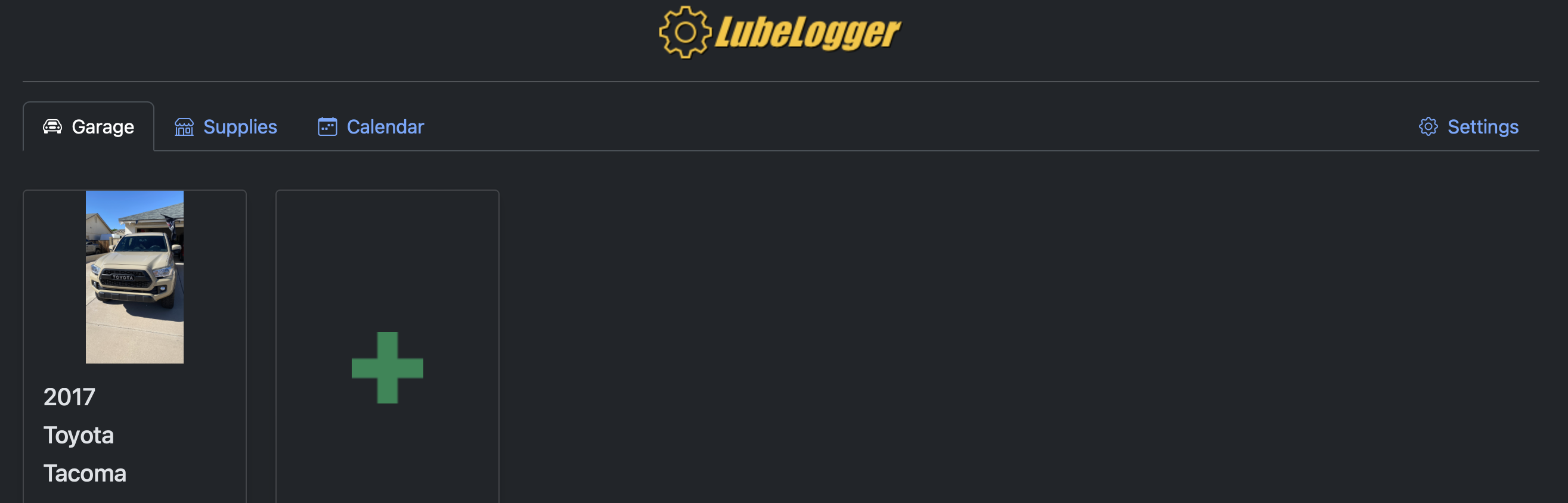
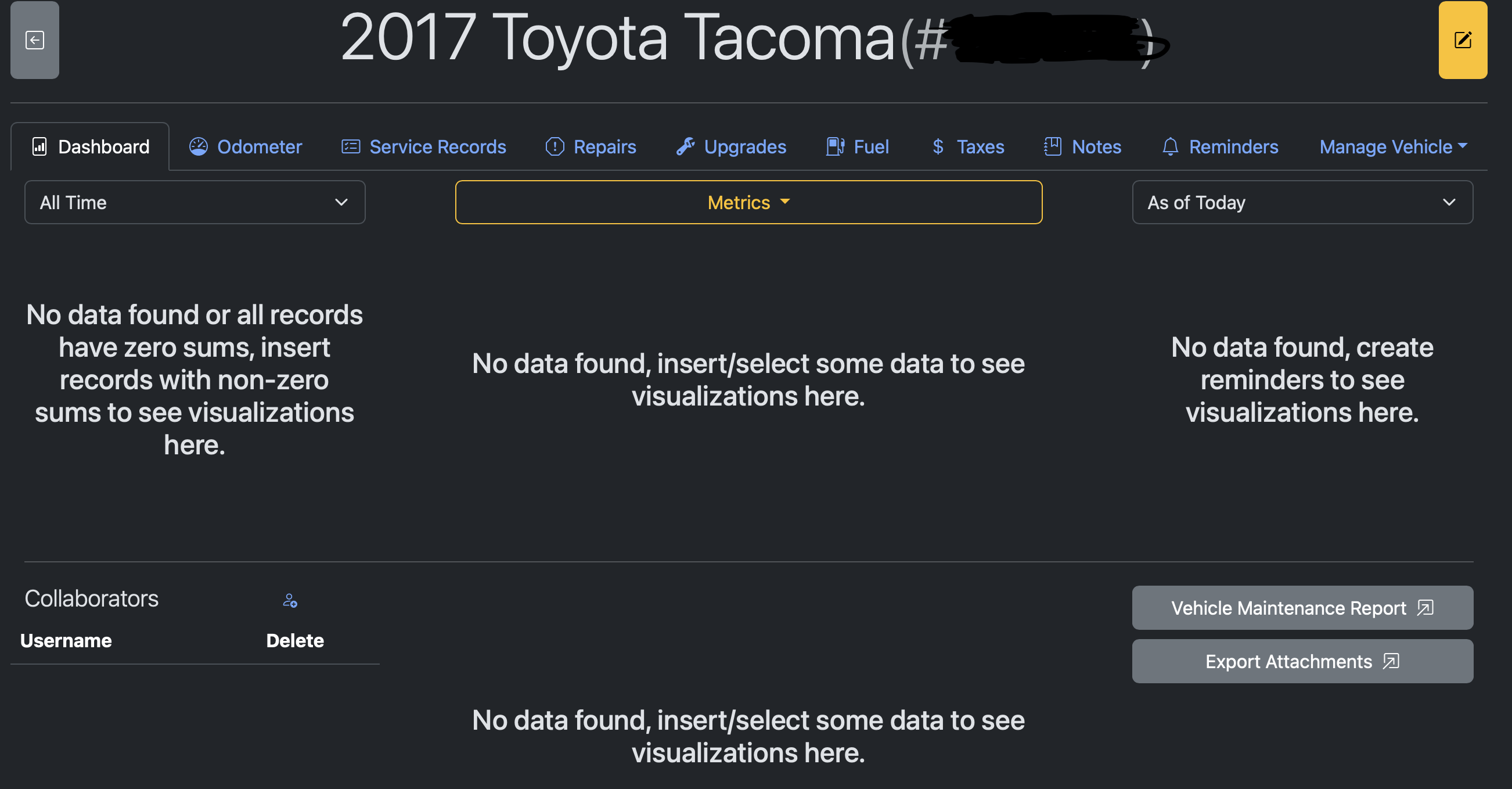
Installation
Wherever you have your docker compose files, navigate there. For me it looks like this: /home/username/docker. Then once there:
1
2
3
sudo mkdir lubelog
cd lubelog
sudo nano compose.yml
Note: I am assuming you are running docker compose v2. If you are not, use docker-compose.yml.
copy this:
1
2
3
4
5
6
7
8
9
10
11
12
13
14
15
16
17
18
19
20
21
version: "3.4"
services:
  app:
    container_name: lubelogger
    image: ghcr.io/hargata/lubelogger:latest
    build: .
    restart: unless-stopped
    # volumes used to keep data persistent
    volumes:
      - ./config:/App/config
      - ./data:/App/data
      - ./translations:/App/wwwroot/translations
      - ./documents:/App/wwwroot/documents
      - ./images:/App/wwwroot/images
      - ./temp:/App/wwwroot/temp
      - ./log:/App/log
      - ./keys:/root/.aspnet/DataProtection-Keys
      - /var/run/docker.sock:/var/run/docker.sock:ro
    # expose port and/or use serving via traefik
    ports:
      - 8888:8080
Now exit out of nano.
You should still be in your docker folder where you created the compose.yml file. Now it’s time to run it.
1
sudo docker compose up -d
From here, if you installed this on the computer you are using, you should be able to go to http://localhost:8888 or if it was installed on another computer, http://ip-of-computer:8888.
LubeLogger: Main: https://lubelogger.com GitHub: https://github.com/hargata/lubelog Docs: https://docs.lubelogger.com/Getting%20Started